Guides
Practical knowledge for developers who work with unfamiliar code. Each guide is a step-by-step process you can follow today, written by engineers who have onboarded to hundreds of codebases.
The guides cover the full lifecycle of working with code you did not write: understanding a new repository, auditing a codebase before taking it over, doing a structured handover when you leave, and onboarding the next developer who joins.
Where a guide describes a step that CodeDashboard can automate (architecture diagrams, tech stack reports, component summaries), it says so directly. The rest is process advice you can apply with or without any tool.
Browse by topic
Understanding code
Handovers
Code evaluation
Team process
All guides
How to understand a GitHub repo
A step-by-step process for making sense of any codebase you have never seen before.
Read guideWhat is codebase documentation?
The types of documentation every codebase needs, and how to create them without burning out.
Read guideHow to do a code handover
The handover checklist that saves you from "just one more question" emails for the next 3 months.
Read guideHow to audit a codebase
What to check before you take responsibility for someone else's code.
Read guideHow to onboard developers faster
The difference between "figure it out" and "here is everything you need" is about 3 weeks of productivity.
Read guideWhere to start
Inheriting a codebase? Start with the code audit guide. Handing one off? Read the handover guide. If you just want to understand a specific repo right now, the understand a GitHub repo guide walks through the process step by step.
Frequently asked questions
How long should a code handover take?
With preparation, a code handover meeting takes 1-2 hours. The documentation (architecture overview, setup guide, known issues) should be written before the meeting. CodeDashboard generates the structural documentation in under two minutes, leaving you to add the context-specific details.
What is the fastest way to understand a new repo?
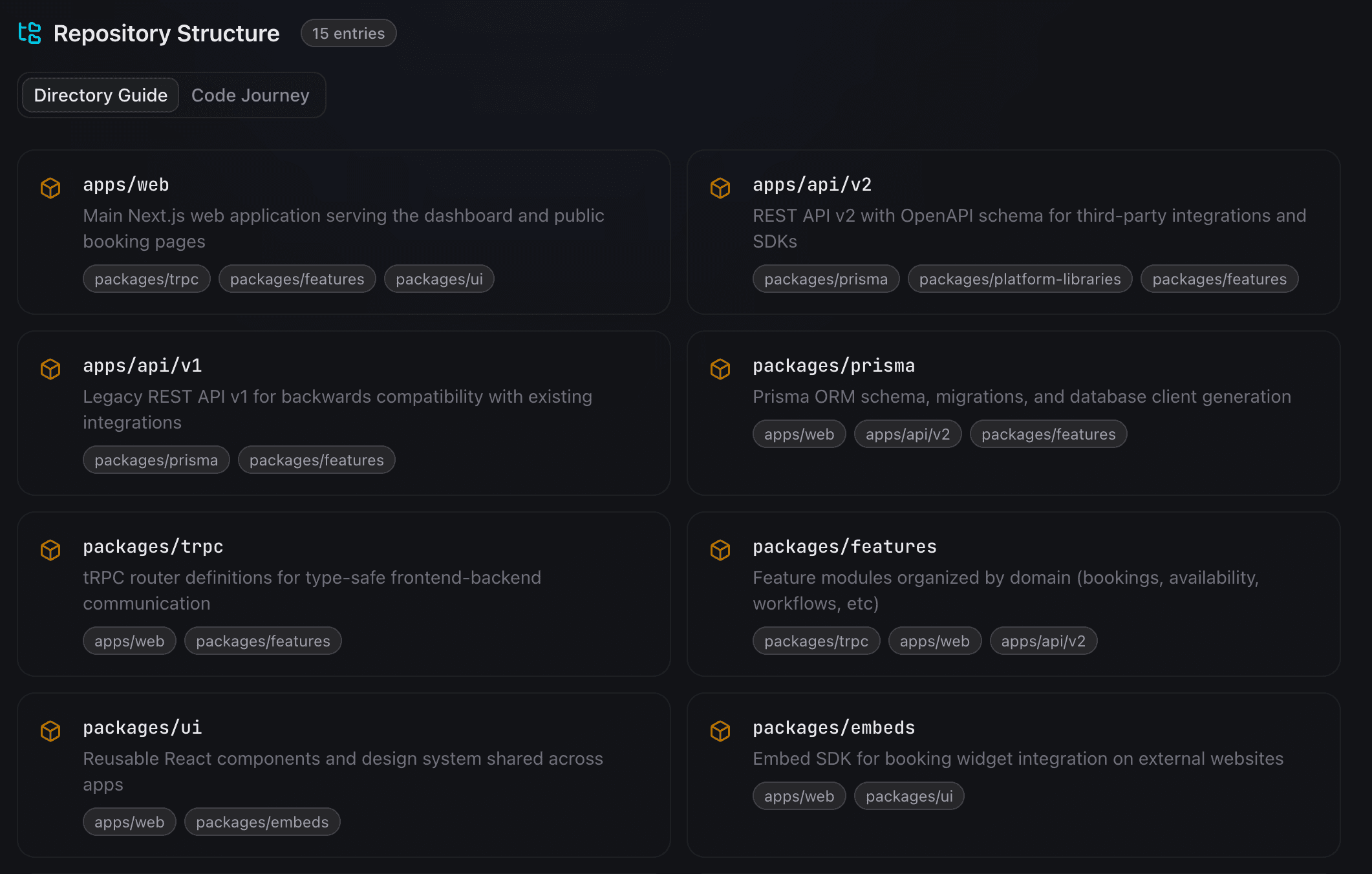
Start with the architecture overview to understand the system structure, then look at the repo tour for directory layout and key files. This top-down approach is faster than reading individual files because you build a mental model of the system before looking at implementation details.
Do I need to document everything?
No. Prioritize architecture decisions, setup instructions, and the 3-5 most important user flows. These cover 80% of what the next developer will ask about. Leave implementation details in the code where they belong.
Can I automate the documentation process?
CodeDashboard automates structural documentation: architecture diagrams, tech stack reports, component summaries, API endpoint lists, and data flow visualizations. You still need to write context that is not captured in code, like why certain decisions were made and what known issues exist.
Try CodeDashboard free for 7 days
Paste a GitHub URL and get a full visual dashboard in under 2 minutes. No credit card required for free accounts.